Table of Contents
- Major Plugin Compatibility Problems
- Themes & Layout Breakage
- Admin Dashboard Access Issues
- Gutenberg Block Changes Can Break Layouts
- Slowdowns & Performance Glitches
- Edited Content & Block Editor Breakage
- Should You Update WordPress 6.9 Now?
- 1. Test in a Staging Environment
- 2. Update Plugins Before Core
- 3. Disable Automatic Updates
- 4. Back Up and Have a Rollback Plan
- Conclusion: Proceed with Caution
WordPress core updates are usually exciting—they promise better performance, improved security, and new features. However, WordPress 6.9 has raised serious concerns across the developer and site owner community. Many users who updated too early are reporting broken layouts, plugin conflicts, admin access issues, and unexpected performance drops.
If you’re running a business website, WooCommerce store, or Elementor-based site, updating immediately could cause more harm than good. In this article, we’ll break down why you should delay updating to WordPress 6.9, the issues being reported, and how to safely plan your update strategy.
Major Plugin Compatibility Problems
One of the biggest risks with WordPress 6.9 is plugin incompatibility. Several popular plugins are not yet fully optimized for this release, leading to broken functionality and errors.
WooCommerce Issues
WooCommerce-powered sites are experiencing:
- Checkout page errors
- Cart not updating correctly
- Payment gateways failing or not loading
- Product pages displaying incorrect prices or layouts
For eCommerce stores, even a small bug can lead to lost sales and customer trust, making early updates extremely risky.
Yoast SEO Conflicts
SEO plugins like Yoast are also affected:
- Meta titles and descriptions not saving properly
- SEO analysis panels failing to load
- Schema markup inconsistencies
Any SEO plugin malfunction can directly impact search engine rankings, so stability is critical.
Elementor Compatibility Problems
Elementor users are reporting:
- Editor not loading or freezing
- Widgets disappearing from pages
- Global styles not applying correctly
- Header and footer templates breaking

Since Elementor powers millions of websites, these issues alone are a strong reason to wait.
Themes & Layout Breakage
Many themes—especially custom or heavily styled ones—are struggling with WordPress 6.9.
Common Layout Issues Include
- Sidebars and grid systems collapsing
- Broken column alignments
- Full-width sections shrinking unexpectedly
Menu & Mobile Display Problems
- Navigation menus going missing
- Mobile breakpoints behaving inconsistently
- Hamburger menus not responding
CSS Not Loading Properly
Some sites are experiencing:
- Missing stylesheets
- Inline CSS being ignored
- Cache-related style conflicts
This results in websites looking unstyled, broken, or partially loaded, especially for visitors using mobile devices.
Admin Dashboard Access Issues
Another serious concern is limited or broken admin access after updating.
Users have reported:
- White Screen of Death (WSOD)
- Admin dashboard loading endlessly
- JavaScript errors preventing settings from saving
- Plugin pages not opening
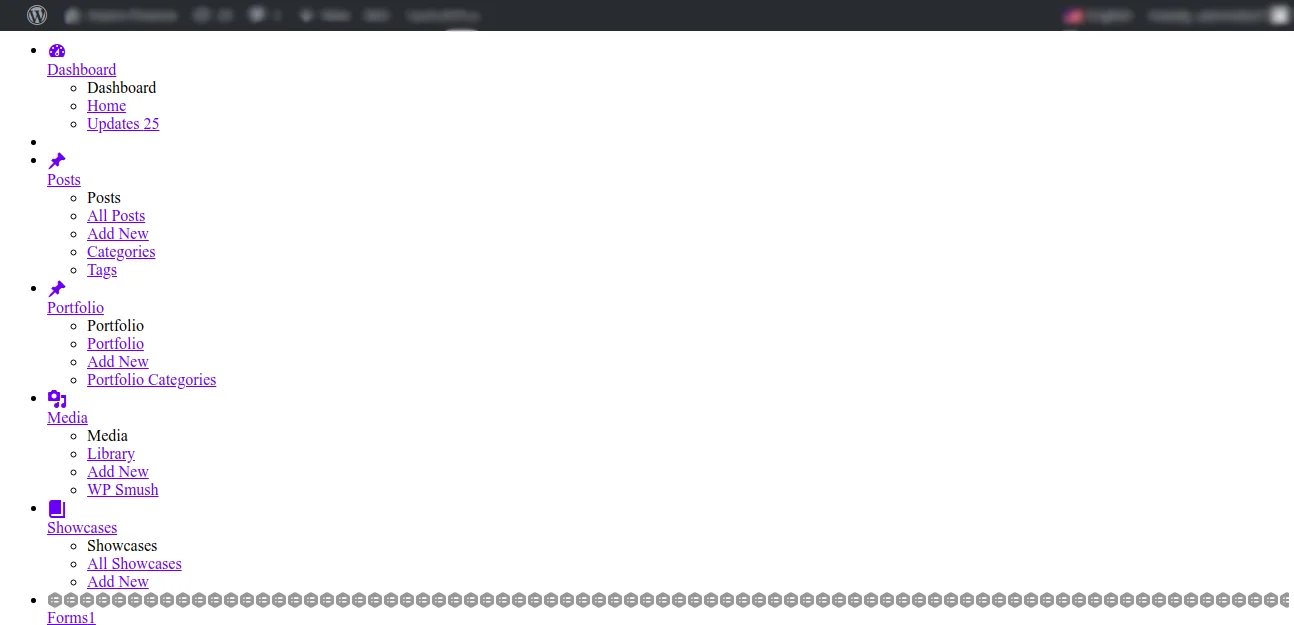
For site administrators, losing backend access can turn a simple update into a major recovery operation.
Gutenberg Block Changes Can Break Layouts
WordPress 6.9 introduces subtle but impactful changes to the Gutenberg Block Editor.
Problems Being Reported
- Block spacing and alignment changes
- Custom block styles overridden
- Reusable blocks losing formatting
- Third-party block plugins malfunctioning
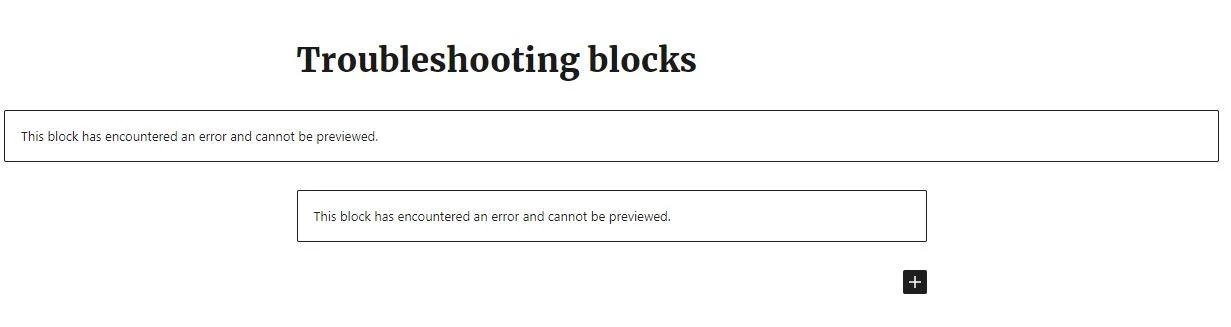
Websites built entirely with Gutenberg may find that previously perfect layouts suddenly look different—without any warning.
Slowdowns & Performance Glitches
Despite promises of optimization, many users are experiencing performance regressions.
Performance Issues Include
- Slower page load times
- Increased Time to First Byte (TTFB)
- Admin panel lag
- High CPU usage on shared hosting
These slowdowns are especially noticeable on sites using multiple plugins or page builders.
Edited Content & Block Editor Breakage
Some site owners have encountered issues where:
- Edited content doesn’t save
- Changes disappear after publishing
- Block editor crashes mid-edit
- Formatting resets unexpectedly
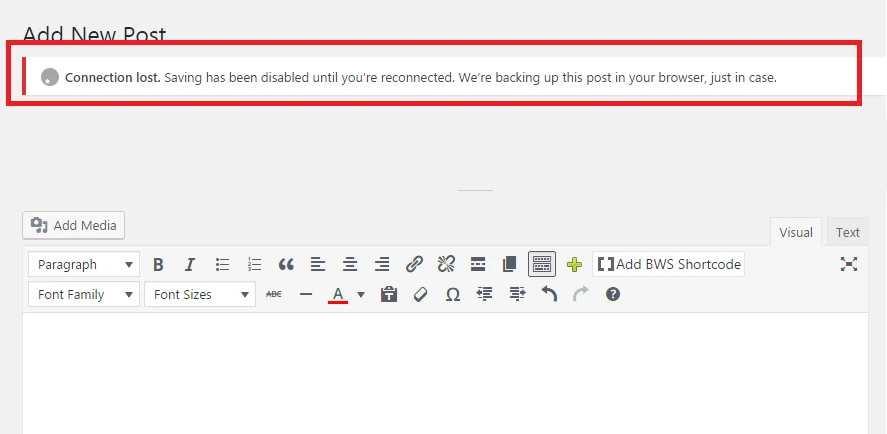
This is particularly dangerous for content-heavy websites like blogs, news portals, and business sites that update content frequently.
Should You Update WordPress 6.9 Now?
At this stage, updating immediately is not recommended, especially for production websites. Instead, follow a safer update strategy.
1. Test in a Staging Environment
Always test WordPress updates on a staging or development site before applying them live. This helps you identify conflicts without risking downtime.
2. Update Plugins Before Core
Make sure all plugins and themes:
- Explicitly support WordPress 6.9
- Are updated to their latest versions
- Have recent changelog confirmations
3. Disable Automatic Updates
Automatic updates can break your site without warning. Temporarily disabling auto-updates gives you control over when and how updates happen.
4. Back Up and Have a Rollback Plan
Before any major update:
- Take a full site backup (files + database)
- Ensure you can roll back WordPress core
- Keep FTP and hosting access ready
A rollback plan can save hours—or even days—of recovery time.
Conclusion: Proceed with Caution
WordPress 6.9 introduces powerful new collaboration and editing features, but for many websites, these improvements currently come with significant risks. Ongoing reports of plugin incompatibilities, broken layouts, admin access issues, sitemap errors, and performance slowdowns indicate that this release is not yet ready for most live production sites.
If your website depends on critical tools such as WooCommerce, Yoast SEO, Elementor, or an older theme, upgrading too soon could result in lost functionality, reduced visibility in search engines, or even downtime. Waiting for plugin and theme developers to release full compatibility updates—and for WordPress to roll out a 6.9.1 maintenance release—is the safer approach.
Until then, prioritize testing updates in a staging environment, keep all plugins and themes up to date, and ensure you have a reliable backup and rollback strategy in place. Once the major issues are resolved, you’ll be able to take advantage of WordPress 6.9’s new features without risking site stability. As always, careful planning and informed decisions are key to protecting your website and your business.
Running into WordPress update issues or unsure when to update?
Our WordPress specialists at TechnoCrackers can help protect your site and fix update-related problems.