Table of Contents
- Introduction
- What is Elementor One?
- Why Elementor One Matters
- Key Features of Elementor One
- How Elementor One Works
- How to Install Elementor One
- How to Create Pages in Elementor One
- Step 1: Create New Page
- Step 2: Choose Layout
- Step 3: Add Sections & Widgets
- Step 4: Customize Design
- Step 5: Publish Page
- How to Use Elementor One Tools
- Benefits of Elementor One
- The Future of Website Building
- Final Conclusion
- FAQs
Introduction
Building a website can be confusing, especially when you need many tools for design, speed, emails, and content.
Elementor One solves this problem by giving you everything in one place.
In this guide, you will learn:
- What Elementor One is
- Why it is useful
- How to install it
- How to create your website step by step
What is Elementor One?
Elementor One is an all-in-one website building platform created by Elementor.
It combines:
- Website design
- AI tools
- Performance optimization
- Email delivery
- Site management
All inside one system.
You don’t need to install many plugins. Everything works together smoothly.

Why Elementor One Matters
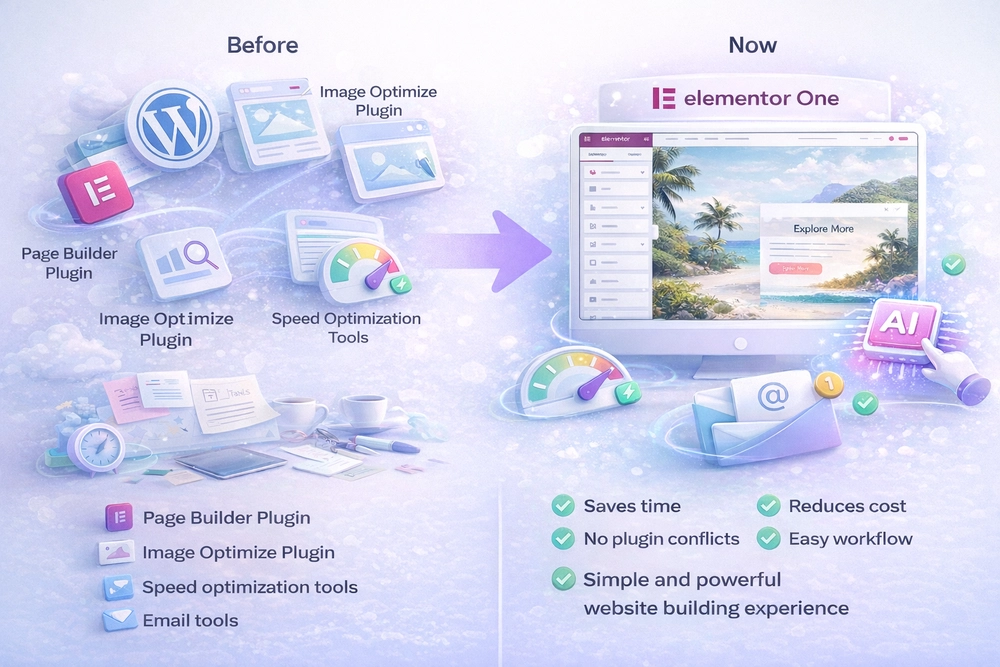
Before Elementor One, building a website required:
- Page builder plugin
- SEO plugin
- Speed optimization tools
- Email tools
- AI tools
Now, Elementor One brings all of this together.
Benefits:
- Saves time
- Reduces cost
- No plugin conflicts
- Easy workflow
- Better performance
It creates a simple and powerful website-building experience
Key Features of Elementor One
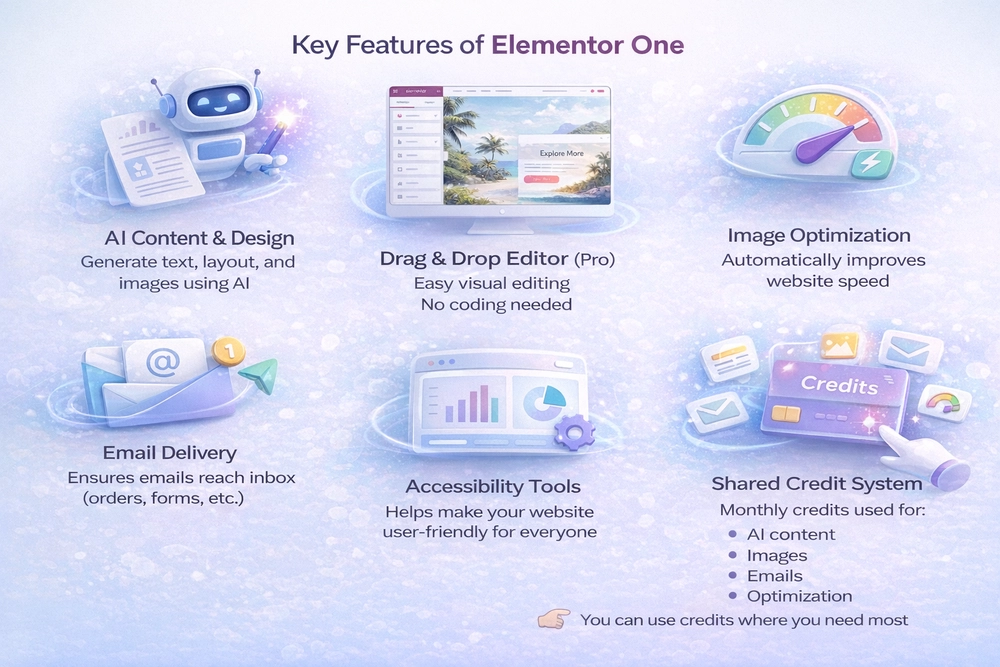
AI Content & Design
- Generate text, layout, and images using AI
- Helps you build faster
Drag & Drop Editor (Pro)
- Easy visual editing
- No coding needed
Image Optimization
- Automatically improves website speed
Email Delivery
- Ensures emails reach inbox (orders, forms, etc.)
Accessibility Tools
- Helps make your website user-friendly for everyone
Shared Credit System
- Monthly credits used for:
- AI content
- Images
- Emails
- Optimization
You can use credits where you need most
How Elementor One Works
Simple process:
- Enter your website idea
- AI generates design + content
- Customize using drag-and-drop
- Optimize automatically
- Manage everything in one dashboard
How to Install Elementor One
Follow these steps:
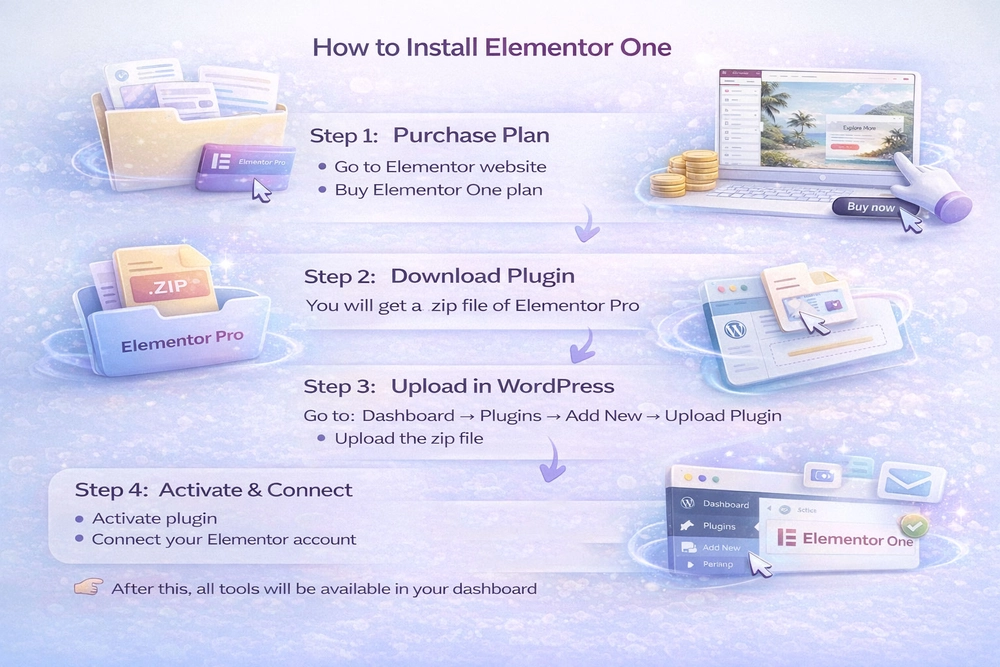
Step 1: Purchase Plan
- Go to Elementor website
- Buy Elementor One plan
Step 2: Download Plugin
- You will get a .zip file of Elementor Pro
Step 3: Upload in WordPress
- Go to:
Dashboard → Plugins → Add New → Upload Plugin - Upload the zip file
Step 4: Activate & Connect
- Activate plugin
- Connect your Elementor account
After this, all tools will be available in your dashboard
How to Create Pages in Elementor One
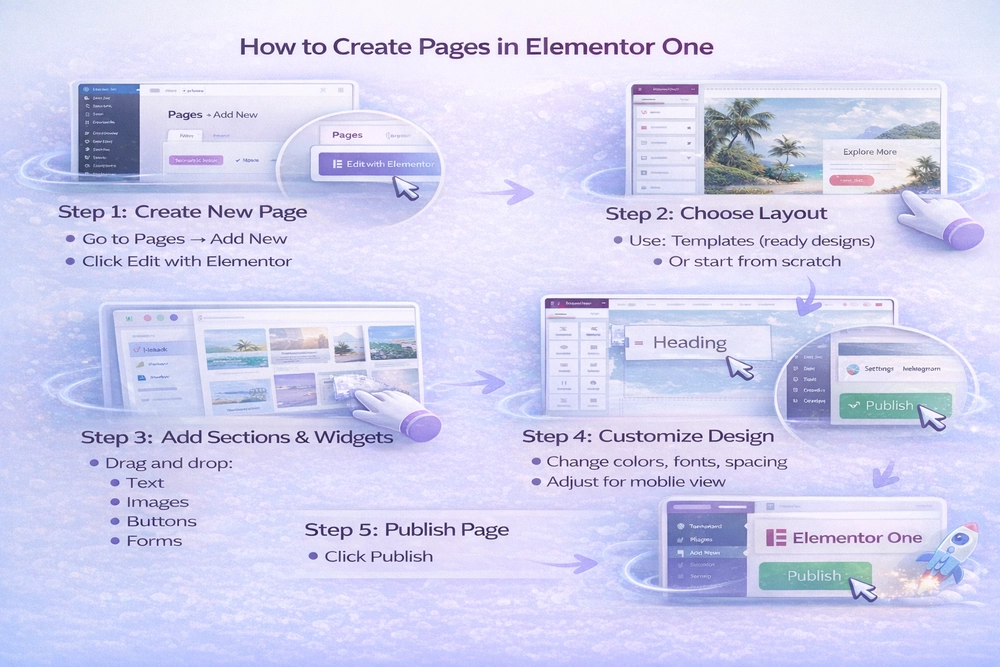
Step 1: Create New Page
- Go to Pages → Add New
- Click Edit with Elementor
Step 2: Choose Layout
- Use:
- Templates (ready designs)
- Or start from scratch
Step 3: Add Sections & Widgets
- Drag and drop:
- Text
- Images
- Buttons
- Forms
Step 4: Customize Design
- Change colors, fonts, spacing
- Adjust for mobile view
Step 5: Publish Page
Click Publish
How to Use Elementor One Tools
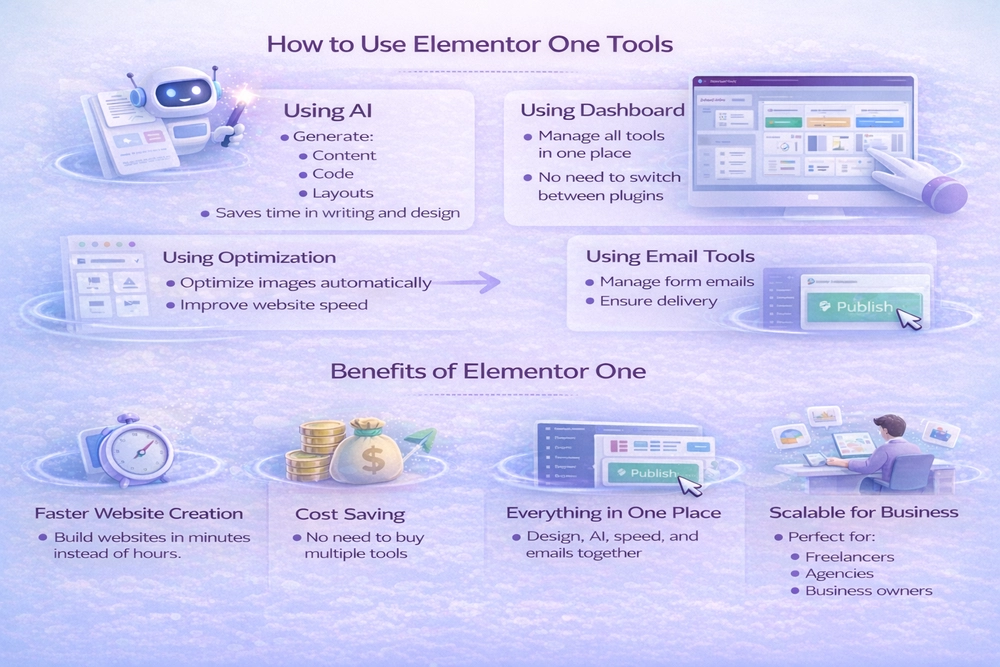
Using AI
- Generate:
- Content
- Code
- Layouts
- Saves time in writing and design
Using Optimization
- Optimize images automatically
- Improve website speed
Using Email Tools
- Manage form emails
- Ensure delivery
Using Dashboard
- Manage all tools in one place
- No need to switch between plugins
Benefits of Elementor One
Faster Website Creation
Build websites in minutes instead of hours.
Cost Saving
No need to buy multiple tools.
Everything in One Place
Design, AI, speed, and emails together.
Scalable for Business
Perfect for:
- Freelancers
- Agencies
- Business owners
The Future of Website Building
Website creation is moving towards:
- Automation
- AI assistance
- Simpler workflows
Elementor One is part of this shift, helping users focus more on ideas and less on technical setup.
Final Conclusion
Elementor One is a modern solution for website building.
It simplifies everything by combining:
- Design
- AI
- Performance
- Management
If you want a faster and easier way to create websites, this is a great option.
Need White Label WordPress Support?
If you’re building websites for clients and want to scale faster without increasing your workload, our white label WordPress development services can help you deliver high-quality projects under your own brand.
Schedule a free consultation and start growing your agency with confidence.
FAQs
Is Elementor One beginner-friendly?
Yes, anyone can use it without coding knowledge.
Do I need other plugins?
In most cases, no. Elementor One replaces many tools.
How do credits work?
You get monthly credits and can use them for AI, images, and other features
Can I build client websites?
Yes, it is perfect for freelancers and agencies.