





Table of Contents
Counters are a simple way to present important information on a website in a more engaging and visual format. Whether you want to show time remaining, business statistics, or percentage-based progress, Divi includes built-in modules that make it easy to create these elements without custom code.
In this guide, we’ll look at three useful Divi modules:
- Countdown Timer – Display the time remaining until a specific date or event.
- Number Counter – Highlight important numbers and statistics with an animated counting effect.
- Circle Counter – Display percentages using an animated circular progress indicator.
Let’s take a look at how each module works and where you can use it.
1. Countdown Timer
The Countdown Timer module is useful when you want to show visitors how much time is left before a specific event or deadline.
For example, you can use it for:
- Sales and special offers
- Upcoming events
- Product launches
- Registration deadlines
- Website launches
- Limited-time promotions
You can set a specific date and time, and Divi automatically displays the remaining days, hours, minutes, and seconds.
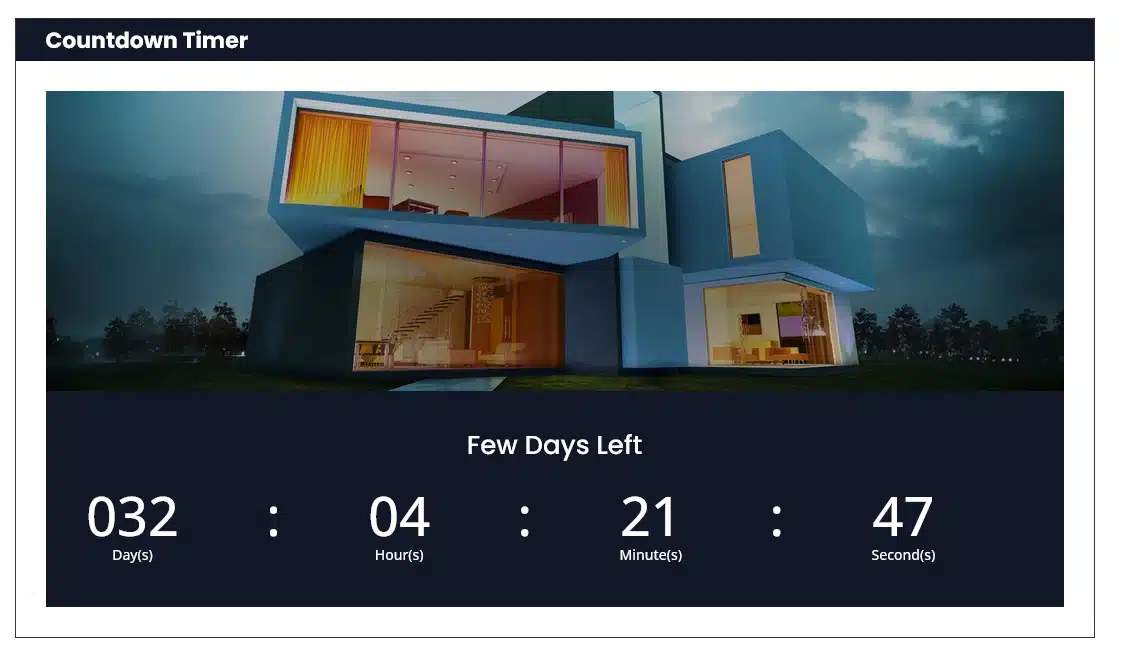
How to Use the Countdown Timer
Add the Countdown Timer module to your Divi layout and set the date and time when the countdown should end.
You can then customize the title, date, text, and overall design to match your website.
You can also adjust the typography, spacing, alignment, background, and other design options from the module settings.
Example:
If you have a property launch coming up, you could use a Countdown Timer to show visitors exactly how much time remains until the launch.

2. Number Counter
The Number Counter module is designed to highlight important numbers and statistics.
Instead of displaying a number as plain text, the module creates an animated counting effect that draws attention to the statistic.
You can use Number Counters to display information such as:
- Countries served
- Years in business
- Completed projects
- Happy customers
- Products sold
- Awards received
- Business milestones
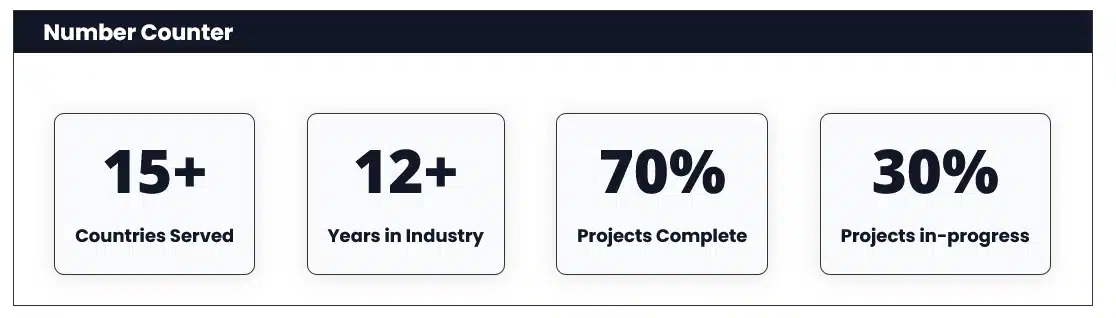
How to Use the Number Counter
Add the Number Counter module to your page and enter the number you want to display.
For example:
- 15+ Countries Served
- 12+ Years in Industry
- 70% Projects Complete
- 30% Projects in-progress
You can place multiple Number Counter modules together to create a statistics section.
The module also provides design options that allow you to customize the number, title, typography, colors, spacing, and other visual settings.

3. Circle Counter
The Circle Counter module is a great option when you want to display a percentage or progress value visually.
Instead of showing a percentage as a regular number, Divi displays it inside an animated circular indicator.
It can be useful for:
- Project progress
- Skill levels
- Completion percentages
- Customer satisfaction
- Performance statistics
- Service progress
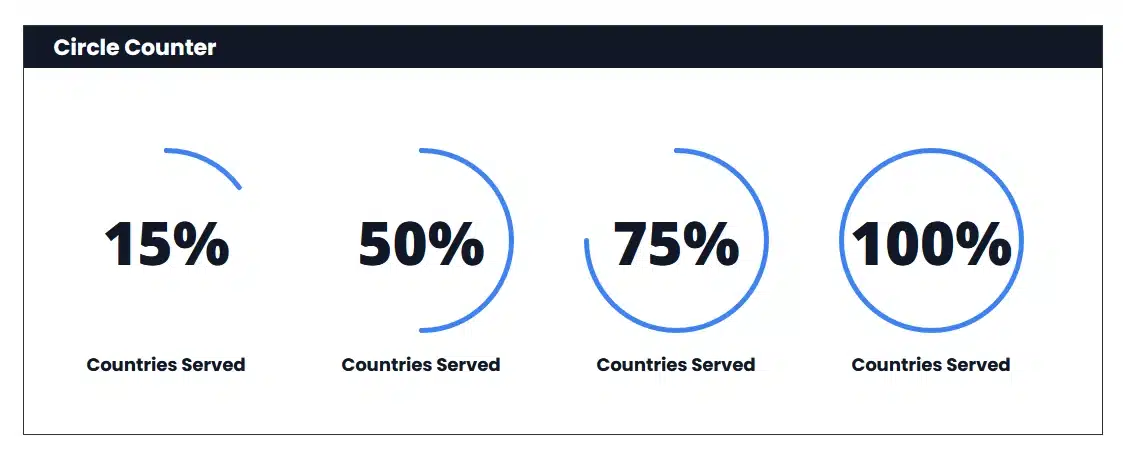
How to Use the Circle Counter
Add the Circle Counter module and enter the percentage you want to display.
For example, you can create counters such as:
- 15% Countries Served
- 50% Countries Served
- 75% Countries Served
- 100% Countries Served
Divi automatically creates the circular progress effect based on the percentage you enter.
You can also customize the circle, percentage number, title, typography, colors, spacing, and other design settings.

Which Counter Module Should You Use?
Each module has a different purpose, so choosing the right one depends on the information you want to display.
| Divi Module | Best For |
|---|---|
| Countdown Timer | Events, deadlines, launches, and promotions |
| Number Counter | Numbers, statistics, achievements, and business data |
| Circle Counter | Percentages, progress, skills, and completion rates |
Create Engaging Sections with Counter Modules
You can also combine these modules with other Divi elements to create more engaging sections.
For example, a business website could use Number Counters to highlight company statistics, while a project page could use Circle Counters to show project completion.
Similarly, a promotional page could use a Countdown Timer to create urgency around a limited-time offer.
Because these are built-in Divi modules, you can style them to match your website’s design and create responsive layouts for desktop, tablet, and mobile devices.
Conclusion
Divi’s Countdown Timer, Number Counter, and Circle Counter modules make it easy to present important information in a visual and engaging way.
Use the Countdown Timer for deadlines and upcoming events, the Number Counter for important statistics, and the Circle Counter for percentages and progress.
By choosing the right counter for your content and customizing its design, you can create attractive sections that make key information stand out on your website.