





Table of Contents
- Why These New Divi 5 Modules Matter
- 1. Timeline Module
- 2. Breadcrumbs Module
- 3. Table of Contents Module
- 4. SVG Module
- 5. Instagram Feed Module
- How These Modules Improve Website Design
- Better User Experience
- More Interactive Layouts
- Improved Performance
- Reduced Plugin Dependency
- Easier Website Management
- Best Use Cases for These New Divi 5 Modules
- Final Thoughts
Divi 5 continues to evolve with exciting new features designed to improve website design flexibility and user experience. The latest update introduces five powerful new modules that help designers and developers build more dynamic, engaging, and professional WordPress websites without relying heavily on third-party plugins.
The newly added modules include:
- Timeline Module
- Breadcrumbs Module
- Table of Contents Module
- SVG Module
- Instagram Feed Module
These additions bring more control, better navigation, improved visual design, and enhanced content presentation directly inside the Divi Builder.
Why These New Divi 5 Modules Matter
Modern websites require more than basic layouts. Users now expect:
- Better navigation
- Interactive content
- Faster access to information
- Modern visual elements
- Social media integration
These new Divi 5 modules help solve those needs while keeping everything inside the visual builder workflow.
Instead of installing multiple extra plugins, users can now access these features directly within Divi.
1. Timeline Module
The new Timeline Module allows users to create visually appealing timelines for displaying chronological content.
This module is perfect for:
- Company history
- Project milestones
- Roadmaps
- Event schedules
- Process steps
- Product launches
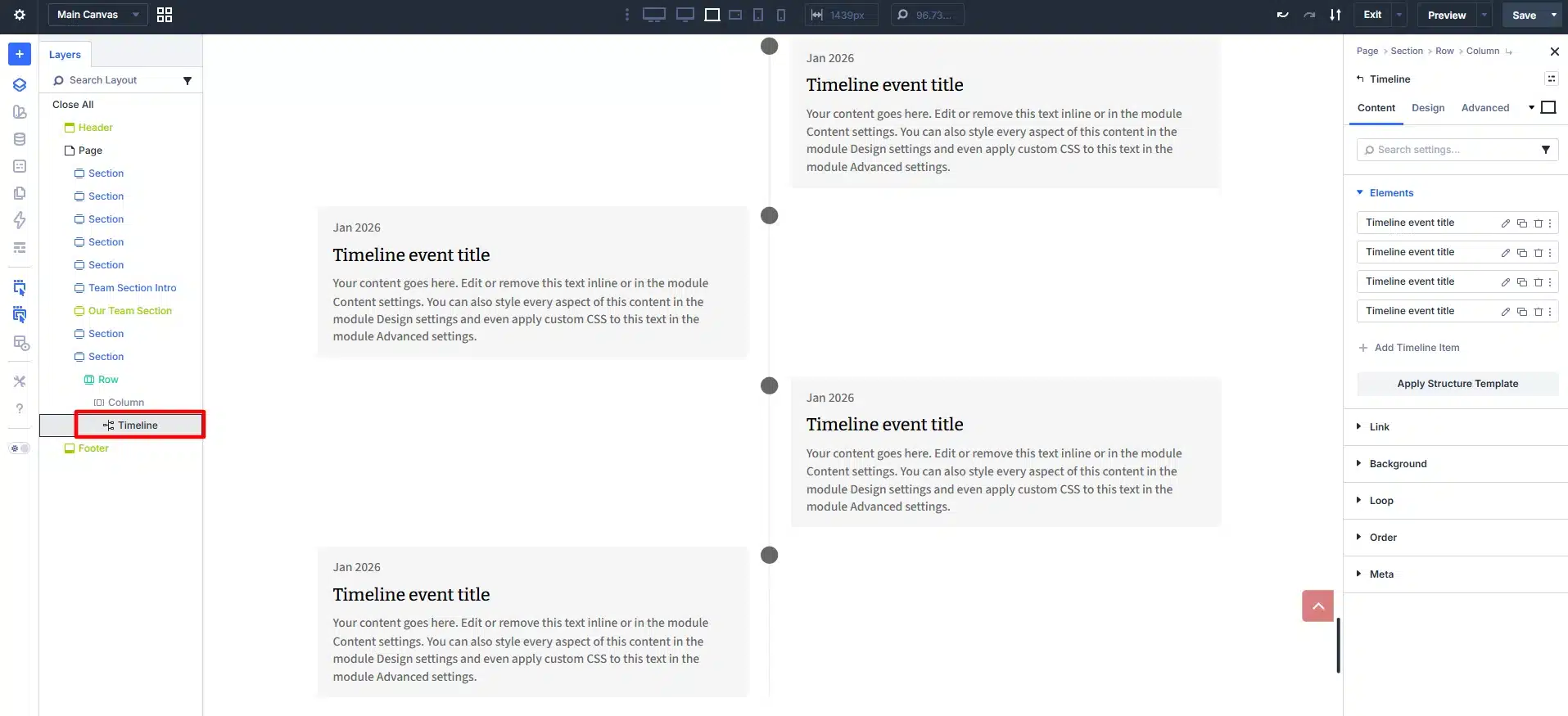
The Timeline Module improves storytelling and helps organize information in a clean and structured format.
Key Benefits
- Interactive layouts
- Better content organization
- Modern visual presentation
- Mobile-responsive design
2. Breadcrumbs Module
Navigation plays a major role in user experience and SEO. The new Breadcrumbs Module helps visitors understand their location within the website structure.
Breadcrumbs are especially useful for:
- Large websites
- eCommerce stores
- Blog archives
- Directory websites
- Knowledge bases
Advantages of Breadcrumbs
- Improved website navigation
- Better user experience
- SEO-friendly internal linking
- Reduced bounce rates
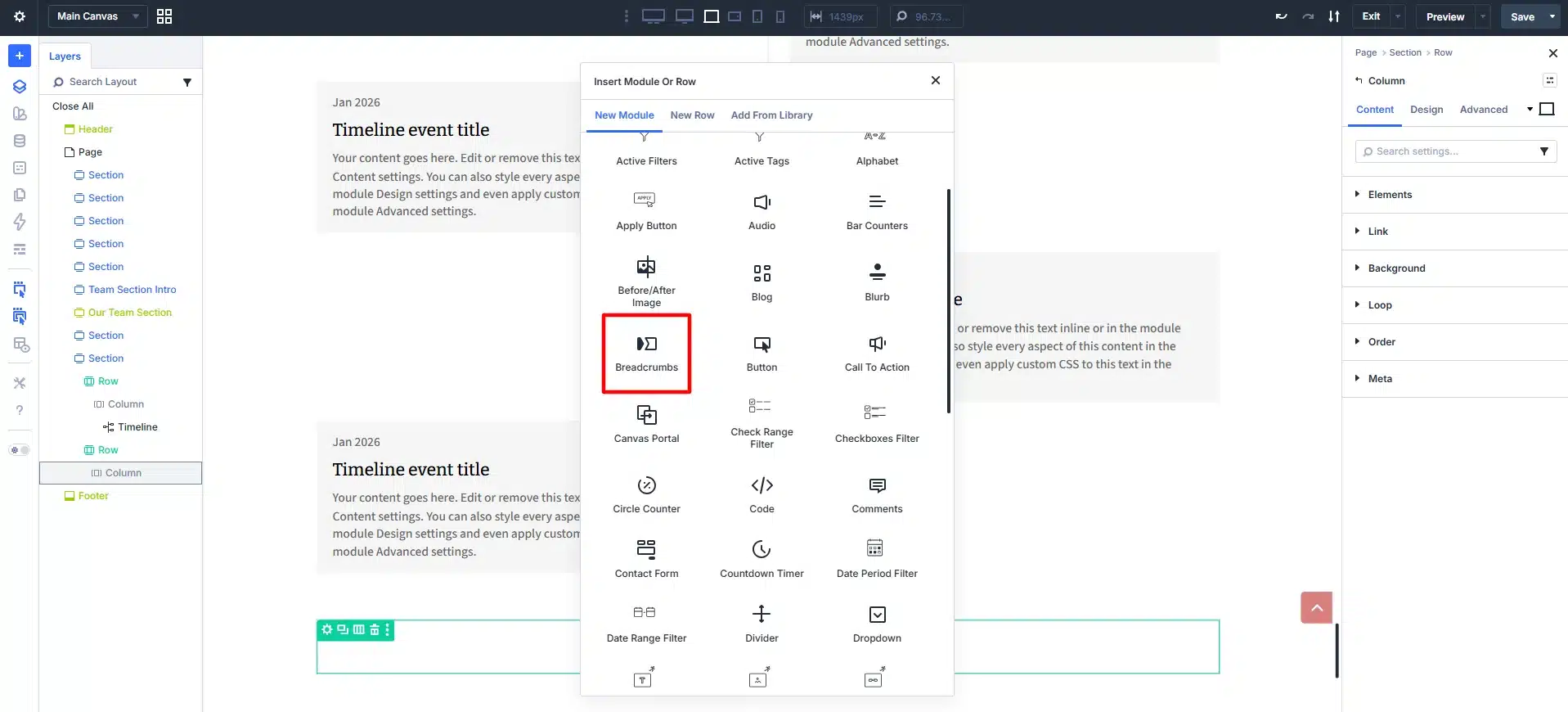
With this module, adding breadcrumbs in Divi 5 becomes much easier without requiring custom code.
3. Table of Contents Module
The Table of Contents Module is one of the most useful additions for content-heavy websites.
It automatically generates structured navigation links for long-form content.
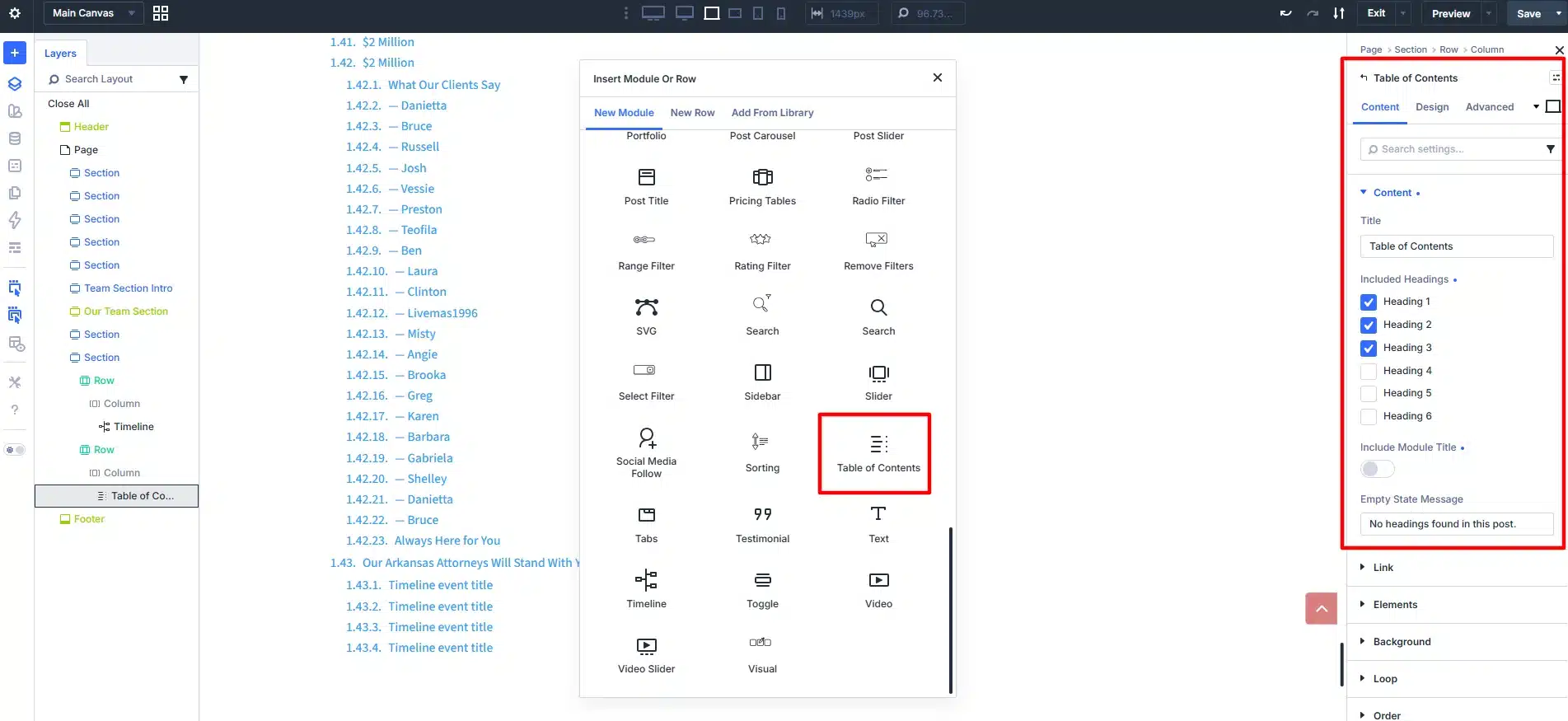
This module works great for:
- Blog posts
- Tutorials
- Documentation
- Guides
- Educational websites
Benefits of Table of Contents
- Improved readability
- Better content structure
- Faster navigation
- Enhanced SEO performance
- Increased user engagement
This feature is especially valuable for websites focused on content marketing and long tutorials.
4. SVG Module
SVG graphics are widely used in modern web design because they are lightweight, scalable, and visually sharp on all devices.
The new SVG Module allows users to directly add and manage SVG graphics inside Divi layouts.
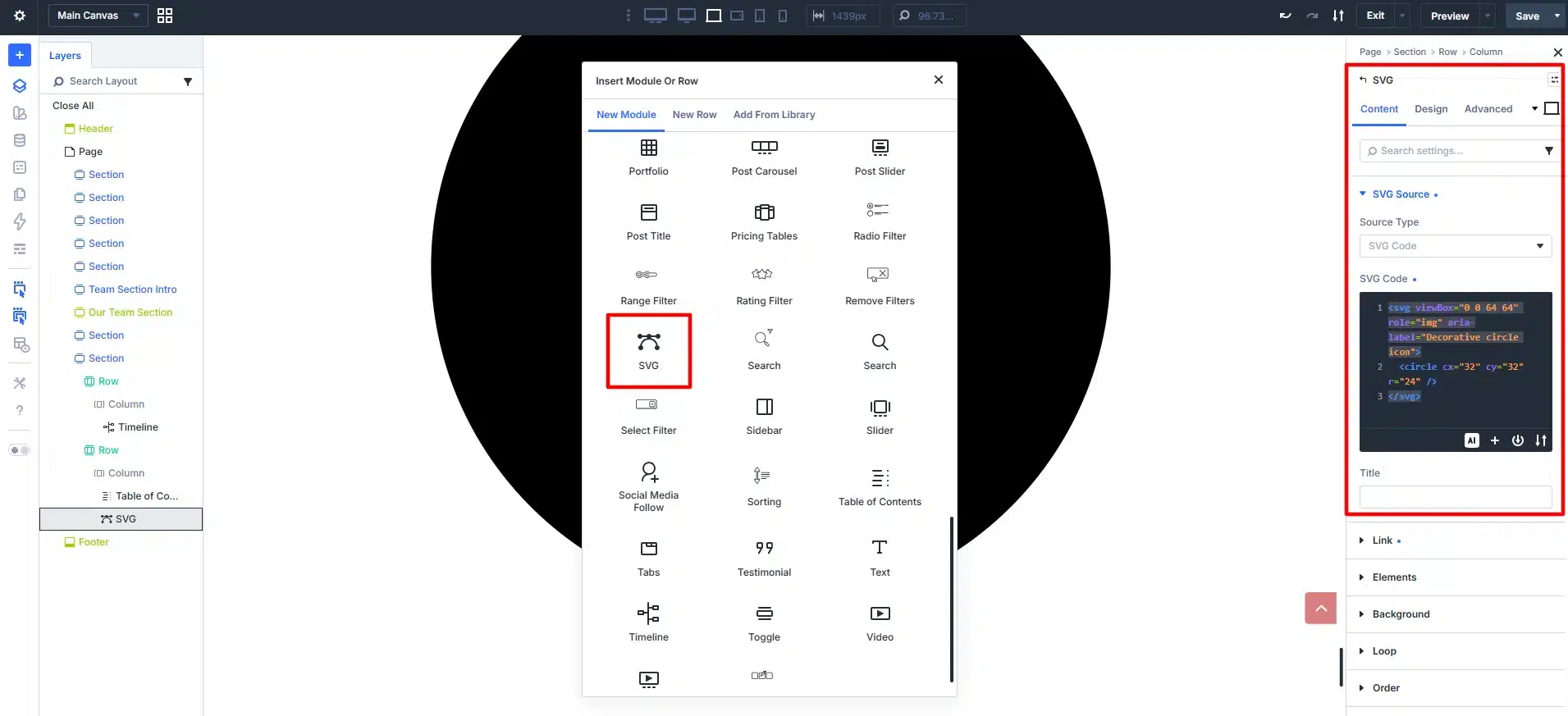
This helps with:
- Custom icons
- Animated graphics
- Modern illustrations
- Interactive design elements
- Lightweight visuals
Why SVG Matters
- Faster loading speed
- Better responsiveness
- High-quality graphics
- Cleaner visual design
- Improved performance
The SVG Module gives designers more creative flexibility without relying on external tools.
5. Instagram Feed Module
Social media integration is essential for modern websites, and the Instagram Feed Module makes this process much simpler.
Users can now display Instagram content directly within Divi layouts.
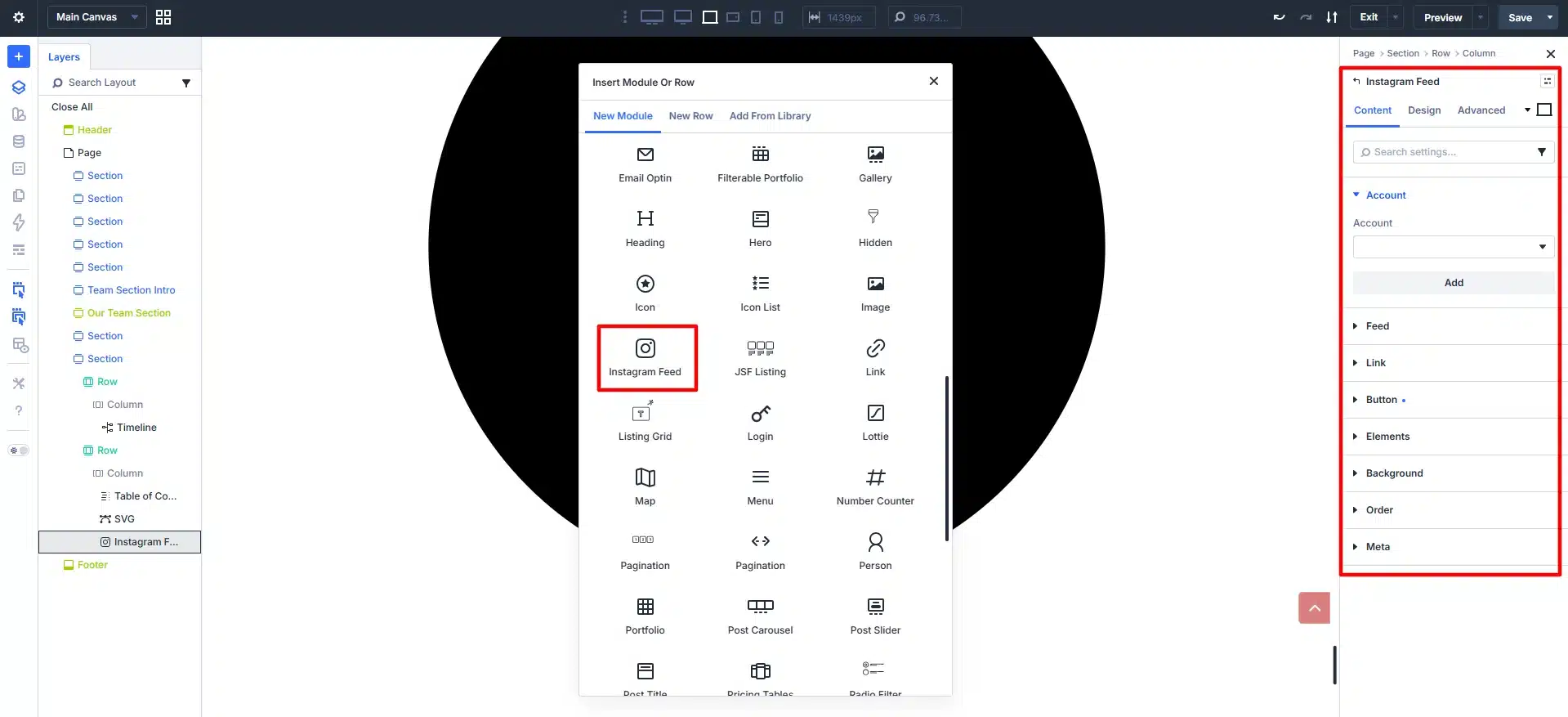
This module is useful for:
- Personal brands
- Influencers
- Agencies
- Restaurants
- Fashion brands
- Photography portfolios
Benefits of Instagram Feed Integration
- Increased social engagement
- Dynamic content updates
- Improved visual appeal
- Better audience interaction
- Stronger brand presence
How These Modules Improve Website Design
The new Divi 5 modules help users create more advanced websites without increasing complexity.
Better User Experience
Features like breadcrumbs and table of contents improve navigation and accessibility.
More Interactive Layouts
Timeline and Instagram Feed modules make websites more engaging and dynamic.
Improved Performance
SVG support allows for lightweight graphics and faster loading times.
Reduced Plugin Dependency
Many users previously relied on third-party plugins for these features. Divi 5 now provides built-in solutions.
Easier Website Management
Everything can be managed visually inside the Divi Builder interface.
Best Use Cases for These New Divi 5 Modules
These modules are especially useful for:
- Business Websites
- Blogs and Magazine Sites
- Portfolio Websites
- eCommerce Stores
- Educational Platforms
- Agency Websites
- Directory Websites
- Personal Branding Websites
Final Thoughts
The addition of the Timeline, Breadcrumbs, Table of Contents, SVG, and Instagram Feed modules makes Divi 5 even more powerful for modern WordPress website development.
These new modules improve both frontend design and user experience while reducing the need for extra plugins and custom development.
Whether you’re building content-heavy blogs, interactive business websites, or visually rich portfolios, Divi 5’s latest modules provide more flexibility, better performance, and a smoother design workflow for WordPress users.
Want to unlock the full potential of Divi for your website? From advanced modules and custom layouts to performance optimization, Technocrackers helps businesses build feature-rich WordPress experiences. Get a free quote to discuss your next Divi development project.