




Table of Contents
- 1: Understand Core Web Vitals Metrics
- 2: Divi 5’s Rebuilt Architecture Improves Page Load Speed (LCP)
- 3: On-Demand Asset Loading Reduces Page Weight
- 4: Faster Interactions Improve INP Score
- 5: Stable Layouts Prevent Layout Shifts (CLS)
- 6: Design Variables Reduce CSS Overload
- 7: Cleaner HTML Improves Rendering Speed
- 8: Mobile-First Optimization Boosts Mobile Scores
- 9: Compare Divi 4 vs Divi 5 Performance
- 10: Best Practices to Maximize Core Web Vitals with Divi 5
- Final Thoughts
Google’s Core Web Vitals are critical for SEO, user experience, and website performance. With Divi 5, Elegant Themes has rebuilt the builder to focus heavily on speed, stability, and interaction performance.
In this step-by-step guide, we’ll see how Divi 5 improves Core Web Vitals and where each improvement happens inside the Divi 5 builder.
1: Understand Core Web Vitals Metrics
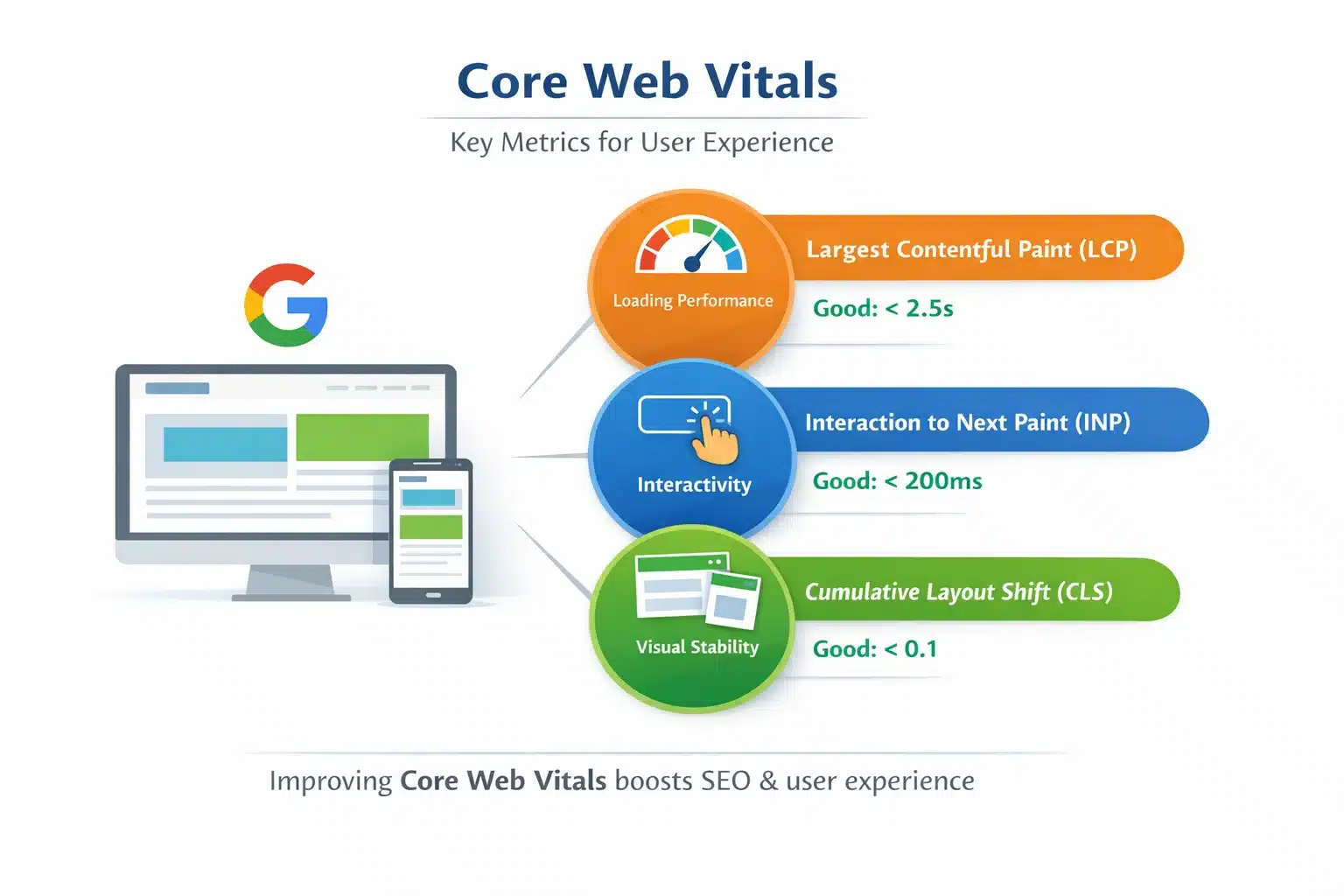
Before optimizing, it’s important to understand what Google measures.
Core Web Vitals Include:
- Largest Contentful Paint (LCP): Page loading speed
- Interaction to Next Paint (INP): User interaction responsiveness
- Cumulative Layout Shift (CLS): Visual stability
These metrics directly affect SEO rankings and user satisfaction.
2: Divi 5’s Rebuilt Architecture Improves Page Load Speed (LCP)
Divi 5 is rebuilt from scratch with a modern, lightweight architecture. Old legacy code has been removed, making pages load faster.
How this improves LCP:
- Smaller CSS & JS files
- Faster rendering of hero sections
- Reduced server processing time
- Faster above-the-fold content loading
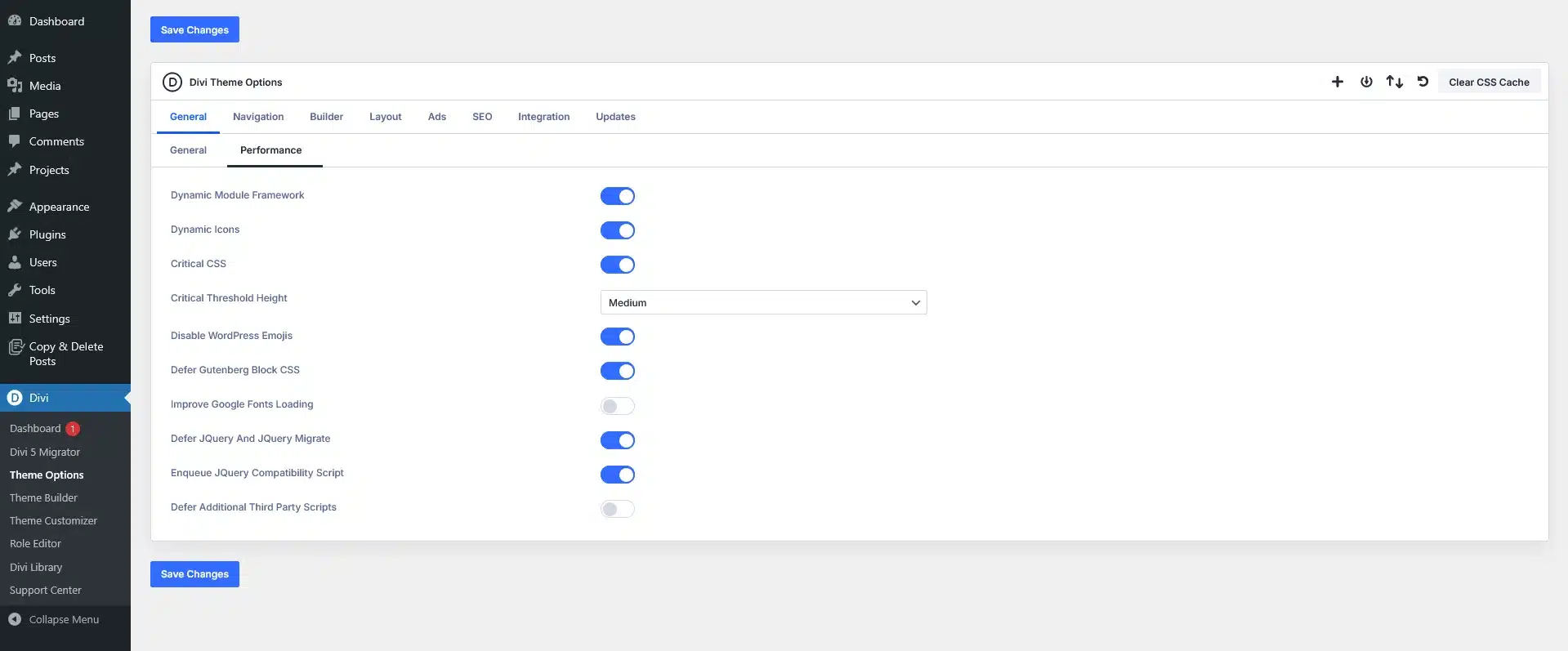
3: On-Demand Asset Loading Reduces Page Weight
Divi 5 loads only the assets required for the modules used on a page.
Why this matters:
- No unnecessary scripts
- Reduced page size
- Faster initial page load
- Better mobile performance
This directly improves LCP and INP scores.

4: Faster Interactions Improve INP Score
Divi 5 optimizes JavaScript execution and interaction handling.
You’ll notice:
- Faster button clicks
- Smooth hover effects
- Responsive forms
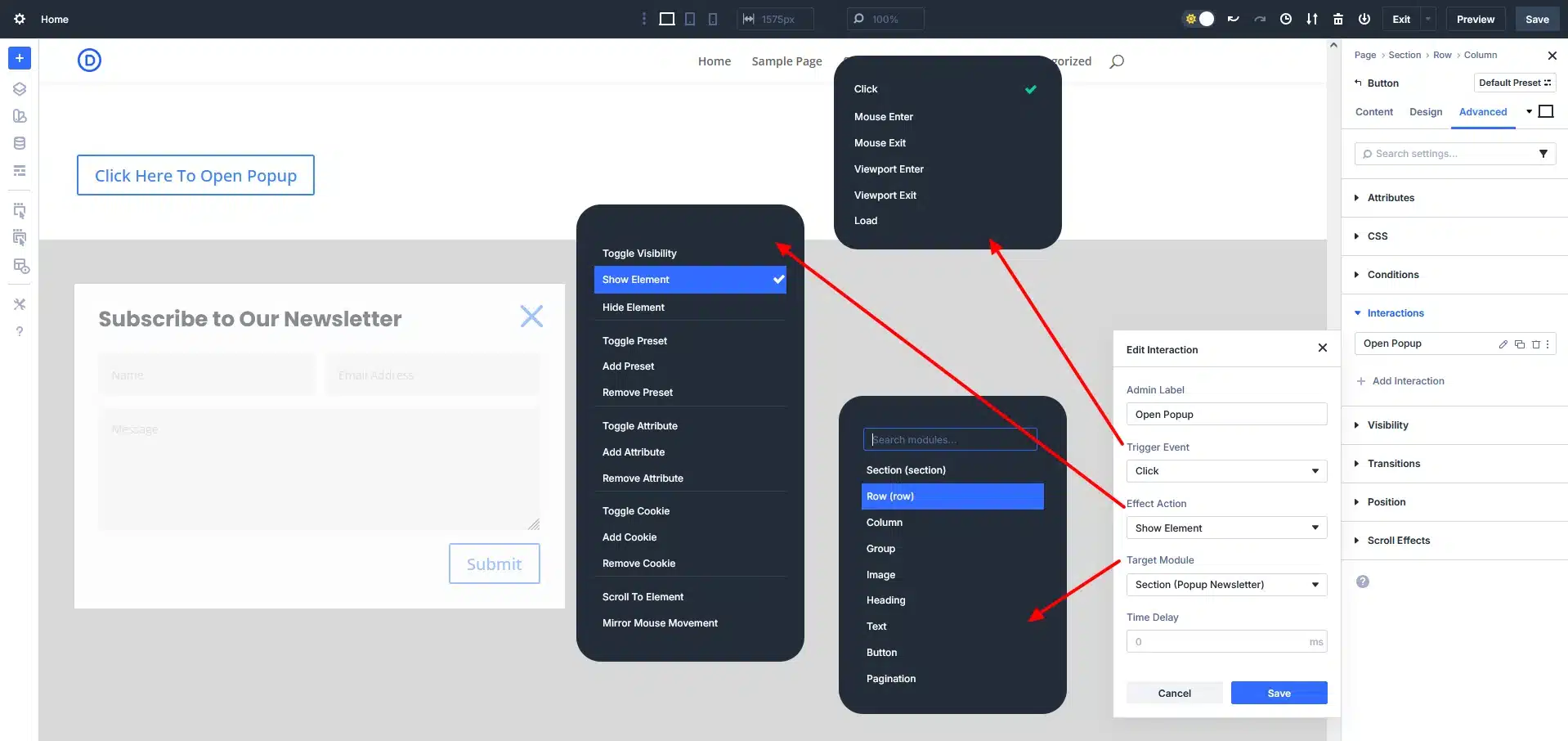
- Instant popup actions
These improvements reduce input delay and improve Interaction to Next Paint (INP).
5: Stable Layouts Prevent Layout Shifts (CLS)
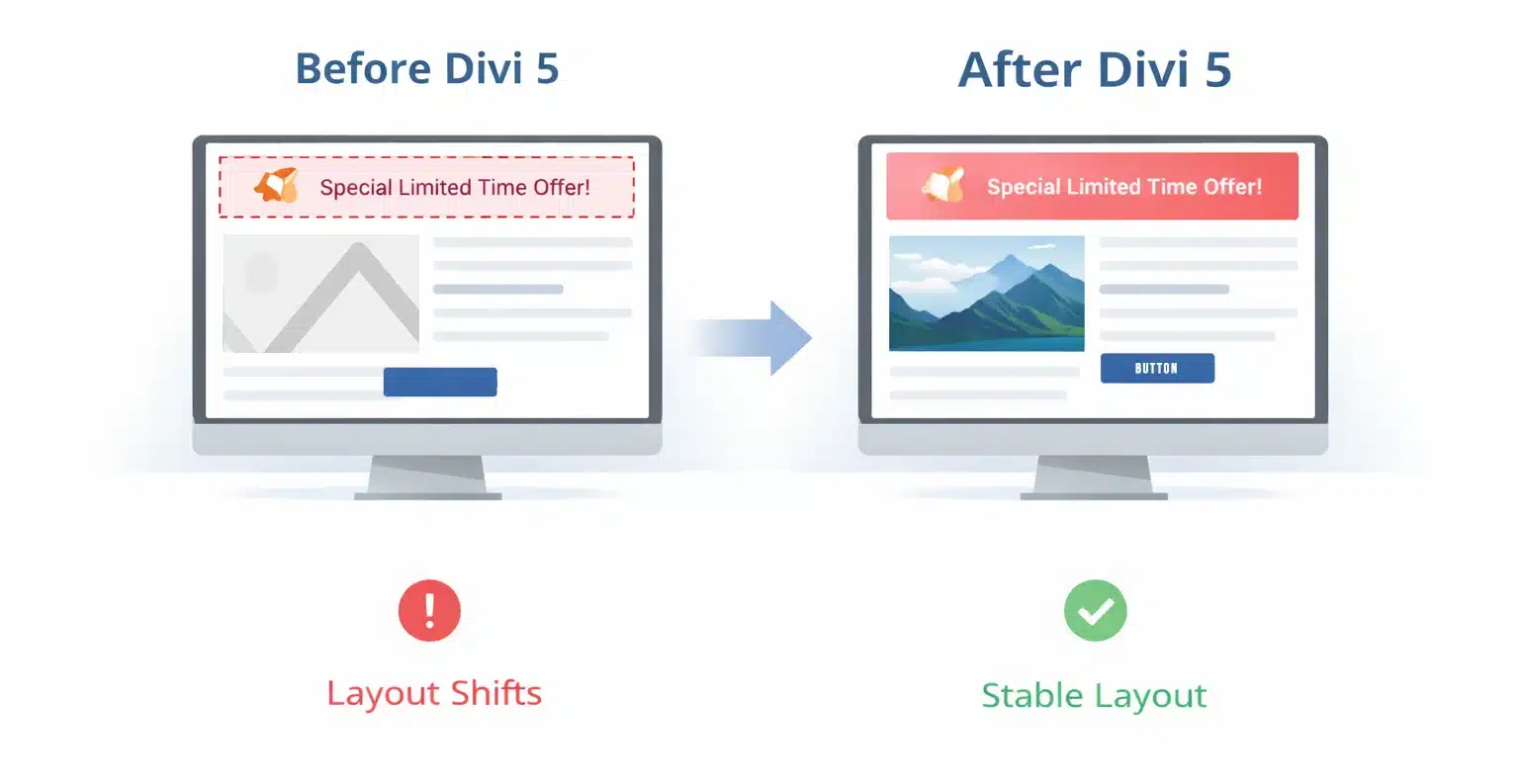
Unexpected layout shifts hurt user experience and CLS score. Divi 5 fixes this with better layout handling.
Improvements include:
- Proper image size handling
- Better font loading behavior
- Consistent spacing across modules
- Predictable layout rendering
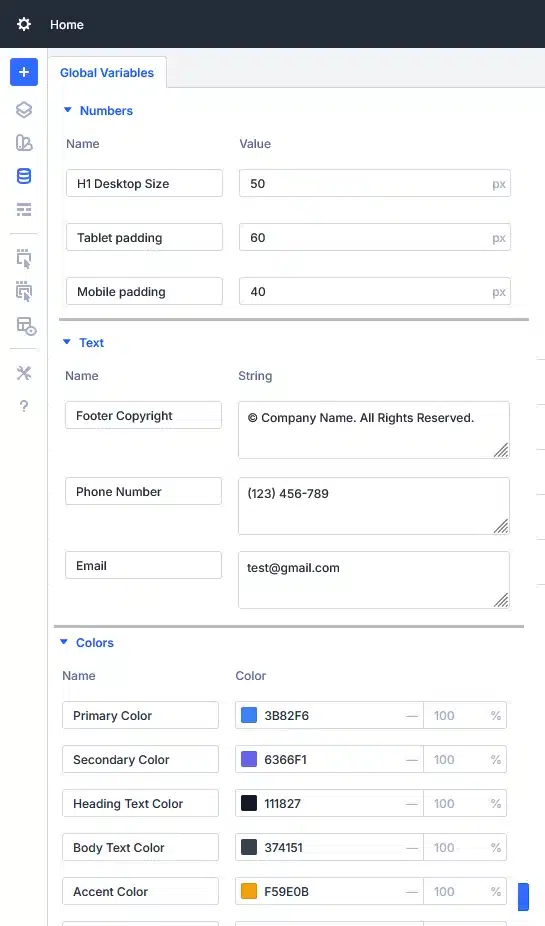
6: Design Variables Reduce CSS Overload
Divi 5 introduces Design Variables, allowing global control over styles.
You can manage:
- Colors
- Fonts
- Spacing
- Sizes
- Images & links
Performance benefits:
- Less repeated CSS
- Faster rendering
- Cleaner frontend code
- Easy global updates
7: Cleaner HTML Improves Rendering Speed
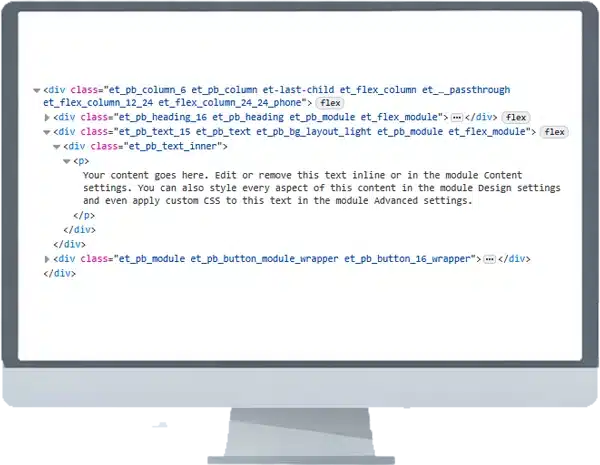
Divi 5 outputs cleaner HTML with fewer nested elements, making it easier for browsers to render pages.
Benefits:
- Faster DOM processing
- Improved accessibility
- Better SEO
- Improved Core Web Vitals
8: Mobile-First Optimization Boosts Mobile Scores
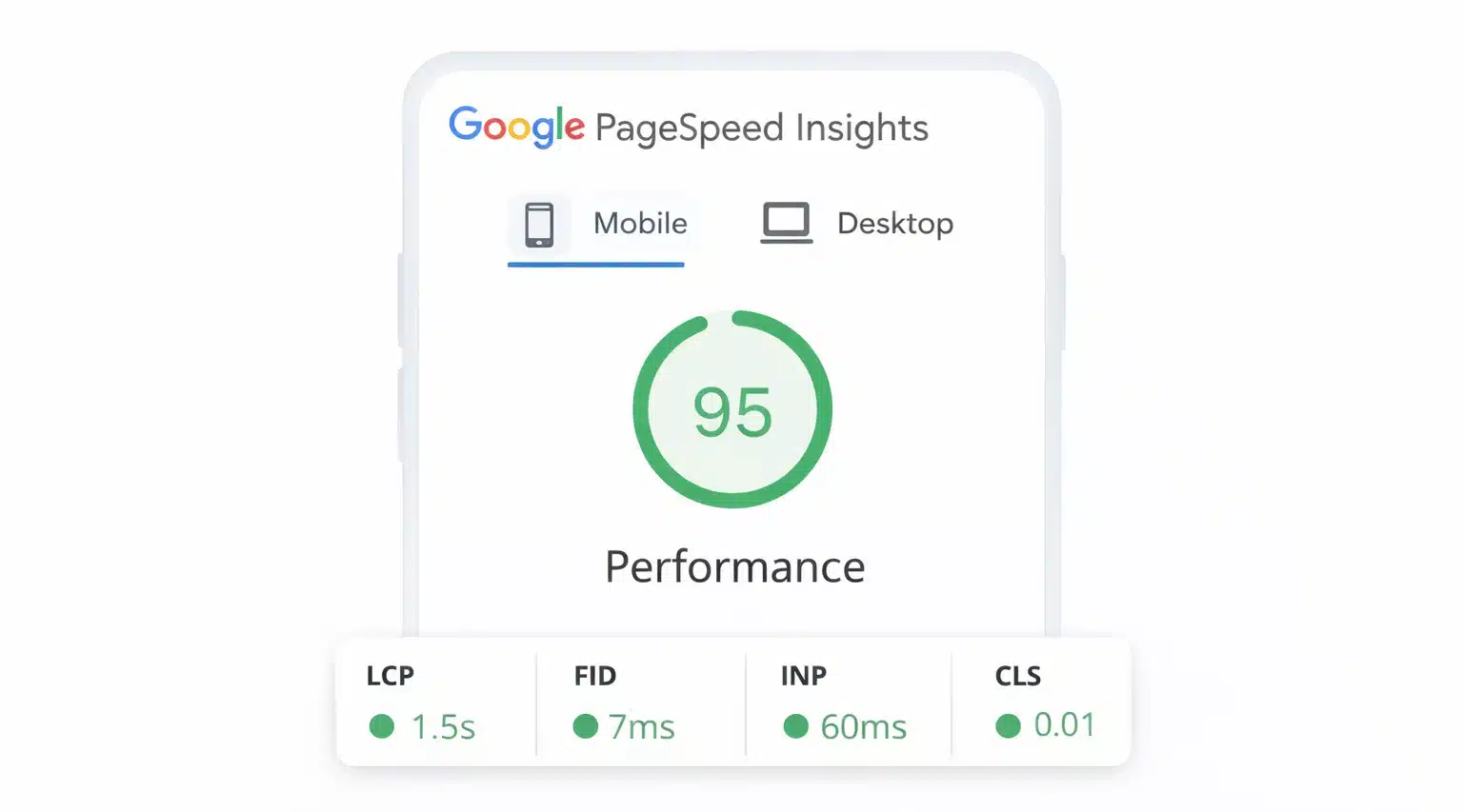
Google measures Core Web Vitals mainly on mobile devices. Divi 5 is built with mobile-first performance in mind.
Mobile improvements:
- Optimized responsive breakpoints
- Better font scaling
- Efficient mobile asset loading
- Faster touch interactions
9: Compare Divi 4 vs Divi 5 Performance
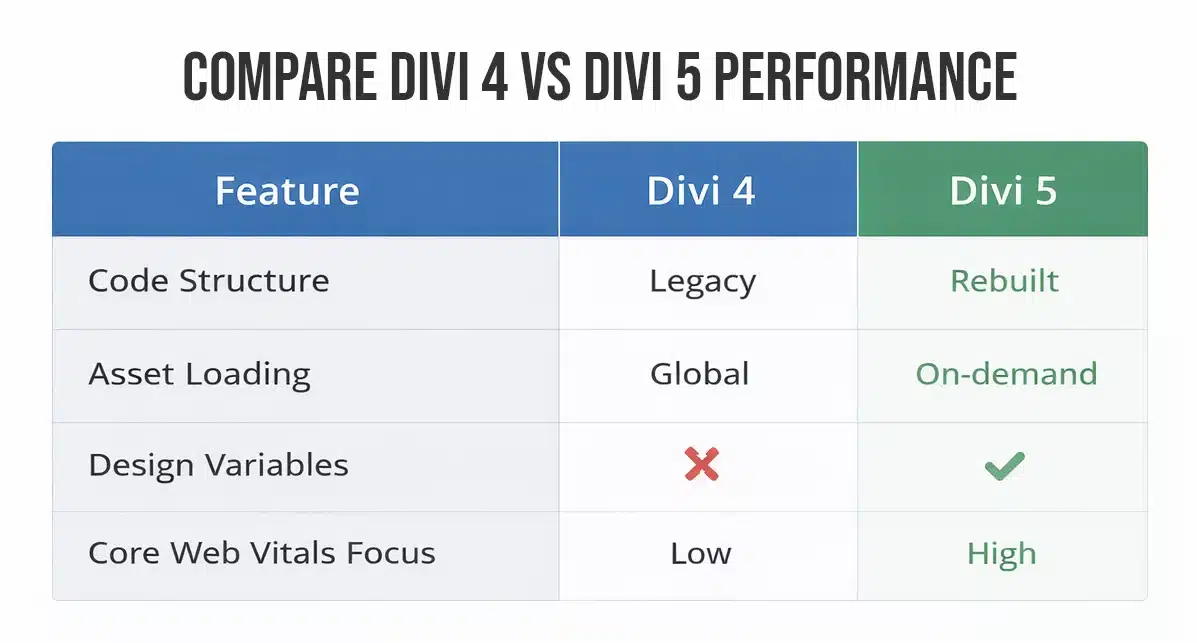
Divi 5 clearly outperforms Divi 4 in terms of speed and stability.
| Feature | Divi 4 | Divi 5 |
| Code Structure | Legacy | Rebuilt |
| Asset Loading | Global | On-demand |
| Design Variables | ❌ | ✅ |
| Core Web Vitals Focus | Low | High |
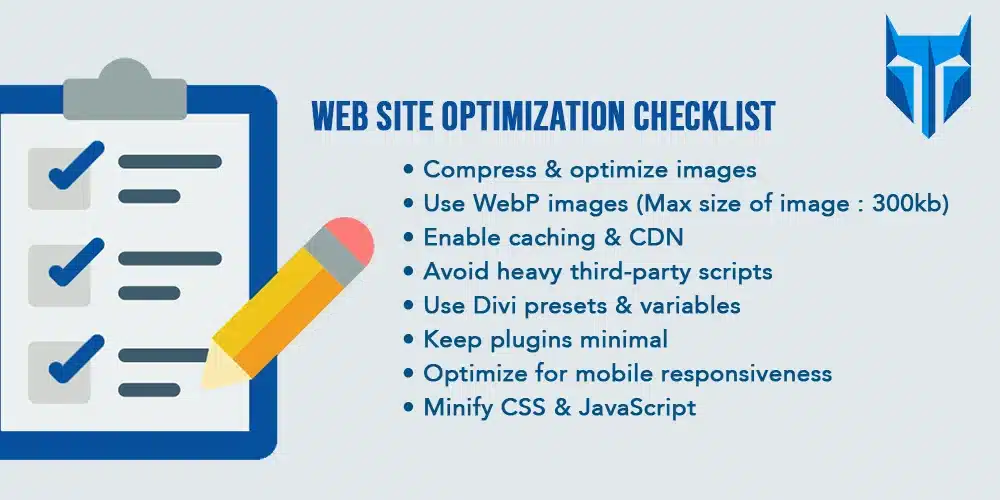
10: Best Practices to Maximize Core Web Vitals with Divi 5
To get the best results:
- Compress & optimize images
- Use WebP images (Max size of image : 300kb)
- Enable caching & CDN
- Avoid heavy third-party scripts
- Use Divi presets & variables
- Keep plugins minimal
- Optimize for mobile responsiveness
- Minify CSS & JavaScript
Final Thoughts
Divi 5 makes performance optimization simple, visual, and powerful. With faster loading, smoother interactions, and stable layouts, Divi 5 helps you achieve excellent Core Web Vitals scores without relying on heavy optimization plugins.
If you want a fast, SEO-friendly, and future-ready WordPress website, Divi 5 is the right choice.
Ready to take your WordPress site’s performance and SEO to the next level? Partner with our expert WordPress developers at TechnoCrackers and get a fast, optimized, and Core Web Vitals‑ready website that truly performs.