





Table of Contents
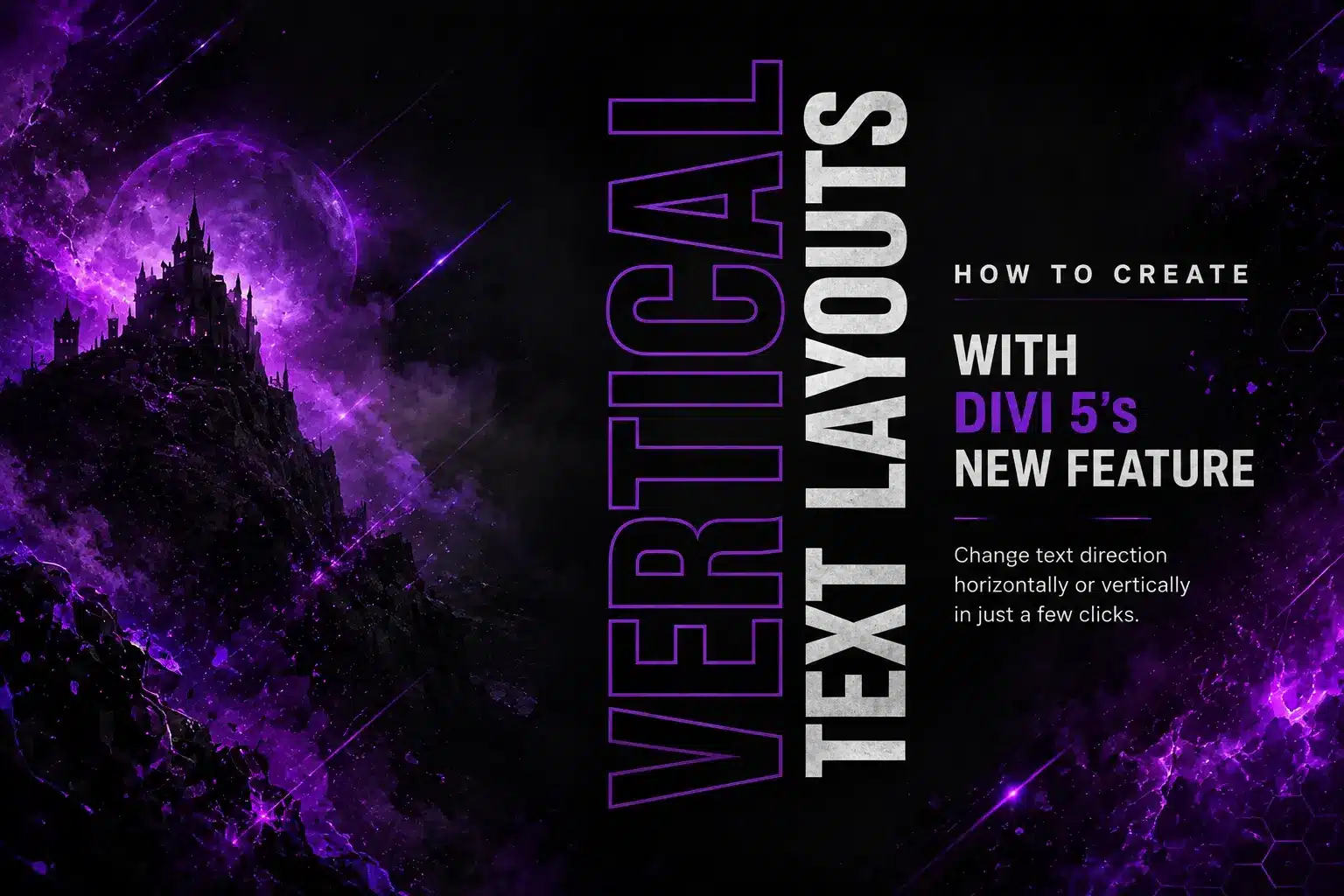
Want to create vertical text in Divi without using custom CSS? Divi 5 makes it much easier with its new Text Direction option.
You can change the direction of both Heading Text and regular Text directly from the Divi Builder.
What Is Text Direction in Divi 5?
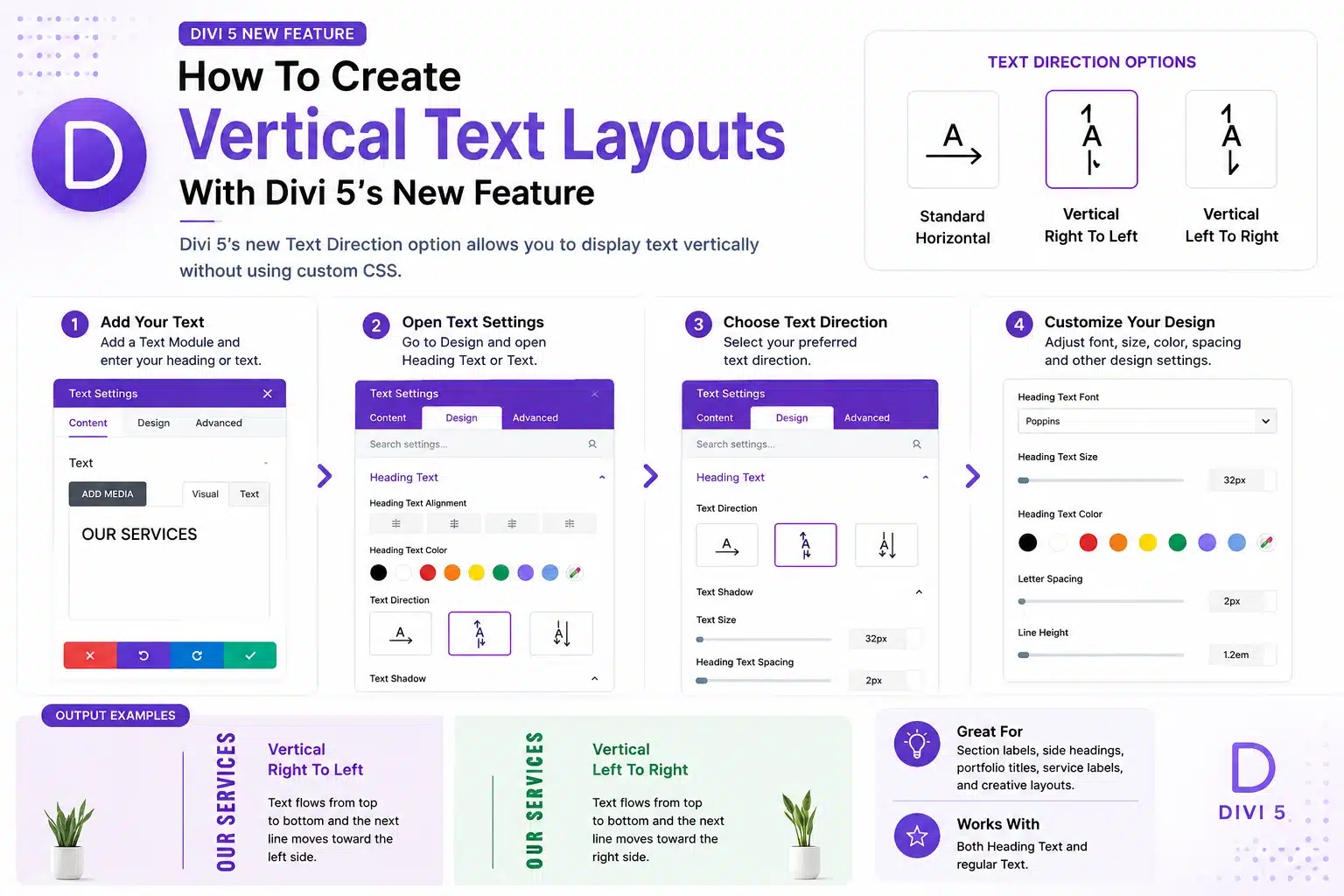
The new Text Direction option lets you control how your text is displayed.
You can choose from:
- Standard Horizontal
- Vertical Right To Left
- Vertical Left To Right
This makes it easy to create vertical headings, section labels, and creative text layouts.
How To Create Vertical Text
Step 1: Add Your Text
Open your Divi 5 page and add a Text Module.
Add your heading or text content as usual.
Step 2: Open Text Settings
Open the module settings and go to:
Design → Heading Text
or
Design → Text
Depending on which content you want to change, you can find the Text Direction option in either section.
Step 3: Choose Your Text Direction
Find Text Direction and select the direction you want:
Standard Horizontal
Vertical Right To Left
Vertical Left To Right
Your text will instantly change to the selected direction.
Step 4: Customize Your Design
Once you’ve selected the direction, you can customize the text just like any other Divi element.
Adjust the:
- Font
- Font Size
- Font Weight
- Letter Spacing
- Text Color
- Spacing
You can also use Divi’s responsive options to use vertical text on desktop and switch back to horizontal text on smaller screens.
Create Creative Layouts With Vertical Text
Vertical text is especially useful for:
- Section labels
- Side headings
- Portfolio layouts
- Service sections
- Decorative text
- Creative landing pages
You no longer need custom CSS or transform properties to achieve this effect.
Final Thoughts
Divi 5’s new Text Direction feature is a simple but useful addition for creating more creative layouts.
Whether you’re working with a heading or regular text, you can quickly change its direction directly from the Divi Builder.
Just choose your preferred direction and start creating unique vertical text layouts with Divi 5.