




Table of Contents
- What Changed in WooCommerce 10.8?
- Why WooCommerce Added Stricter Validation
- Common WooCommerce 10.8 Issues Store Owners May Face
- Checkout Failures
- Payment Gateway Errors
- REST API Validation Errors
- Plugin Compatibility Problems
- ERP and CRM Integration Failures
- Example of the Validation Problem
- Which WooCommerce Stores Are Most Affected?
- How to Fix WooCommerce 10.8 Validation Errors
- 1. Audit Custom Plugins and Integrations
- 2. Test Checkout and Order APIs
- 3. Update Deprecated Code
- 4. Validate API Request Structures
- 5. Monitor Error Logs
- Why Professional WooCommerce Support Matters
- How Technocrackers Can Help Fix WooCommerce 10.8 Issues
- Why Businesses Choose Technocrackers
- Final Thoughts
- Need Help Fixing WooCommerce 10.8 Issues?
WooCommerce 10.8 introduces a major update to order endpoint type validation, and many store owners and developers may experience unexpected checkout issues, API errors, or plugin conflicts after upgrading.
If your WooCommerce store relies on custom plugins, third-party integrations, payment gateways, ERP systems, or custom checkout functionality, understanding this update is critical to avoid broken order processing and lost sales.
In this guide, we’ll explain what changed in WooCommerce 10.8, why it matters, common issues developers may face, and how Technocrackers can help fix WooCommerce API validation problems quickly and safely.
What Changed in WooCommerce 10.8?
WooCommerce 10.8 introduced stricter validation for order endpoint data types across REST API requests and checkout-related processes.
Previously, WooCommerce accepted loosely formatted data and automatically converted incorrect values in many cases. For example:
- Numeric values sent as strings often worked
- Boolean values formatted incorrectly were sometimes accepted
- Invalid request formats could still process successfully
With WooCommerce 10.8, the platform now validates request data much more strictly.
This means WooCommerce now expects:
- Integers as integers
- Boolean values as true/false
- Arrays as proper arrays
- Correct data structures in API requests
If the wrong data type is sent, WooCommerce may reject the request entirely.
Why WooCommerce Added Stricter Validation
WooCommerce introduced stricter endpoint validation to improve:
- API consistency
- Store stability
- Security
- Predictable order processing
- Compatibility with future WooCommerce updates
While this improves long-term reliability, it can also expose problems in older plugins or custom development work that relied on WooCommerce automatically correcting invalid data.
Common WooCommerce 10.8 Issues Store Owners May Face
After upgrading to WooCommerce 10.8, some websites may experience:
Checkout Failures
Orders may fail to process if incorrect data types are passed during checkout.
Payment Gateway Errors
Some payment integrations may stop working properly if they send invalid request values.
REST API Validation Errors
Custom WooCommerce API integrations may return validation or type mismatch errors.
Plugin Compatibility Problems
Older plugins that relied on loose validation may become incompatible.
ERP and CRM Integration Failures
External systems connected to WooCommerce may fail to sync order data correctly.
Example of the Validation Problem
Before WooCommerce 10.8, the following data might still work:
{

  "customer_id": "15"

}
Now WooCommerce expects:
{

  "customer_id": 15

}
Even small mismatches like this can now trigger validation failures.
Which WooCommerce Stores Are Most Affected?
This update mainly impacts stores using:
- Custom WooCommerce development
- Custom checkout functionality
- Third-party plugins
- ERP integrations
- Mobile app integrations
- API-based automation systems
- Advanced WooCommerce workflows
Stores running heavily customized WooCommerce environments are at the highest risk.
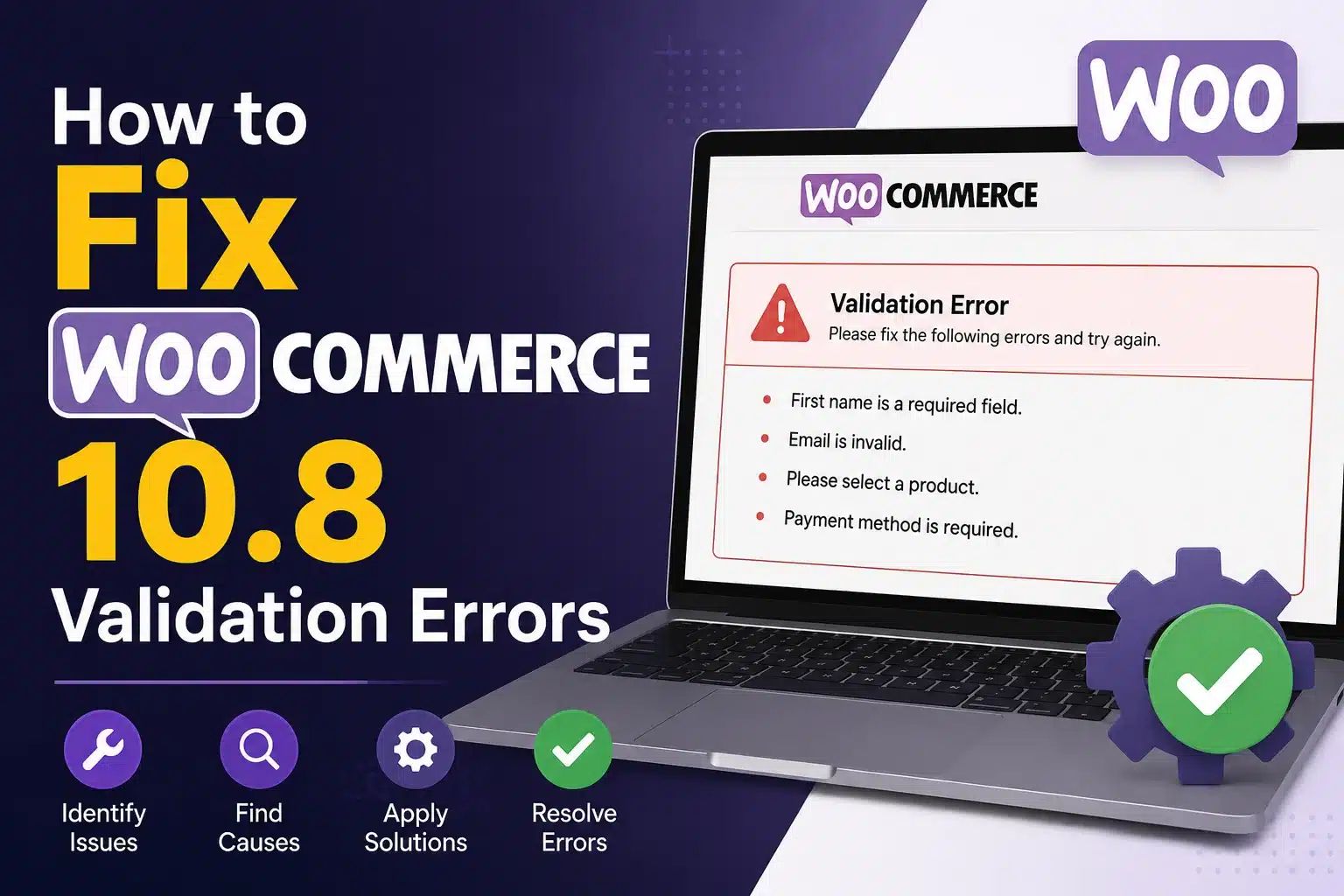
How to Fix WooCommerce 10.8 Validation Errors
1. Audit Custom Plugins and Integrations
Developers should review all custom plugins and integrations for incorrect data types.
2. Test Checkout and Order APIs
After upgrading, thoroughly test:
- Checkout flow
- Payment processing
- Order creation
- API requests
- Webhooks
3. Update Deprecated Code
Older WooCommerce development methods may need modernization for compatibility.
4. Validate API Request Structures
Ensure all requests use correct:
- integers
- booleans
- arrays
- object structures
5. Monitor Error Logs
WooCommerce logs and server logs can help identify validation-related issues quickly.
Why Professional WooCommerce Support Matters
Many WooCommerce store owners may not immediately realize that type validation is causing their checkout or integration problems.
In many cases, the issue may appear as:
- random checkout failures
- missing orders
- payment errors
- broken automations
Without proper debugging, these problems can directly impact revenue and customer experience.
That’s why working with experienced WooCommerce developers is important when dealing with API changes and custom functionality.
How Technocrackers Can Help Fix WooCommerce 10.8 Issues
At Technocrackers, we help businesses and agencies maintain stable, high-performing WooCommerce stores with expert troubleshooting and custom WooCommerce development support.
Our team can help with:
- WooCommerce plugin compatibility fixes
- API validation troubleshooting
- Custom checkout debugging
- ERP and CRM integration support
- WooCommerce maintenance
- Performance optimization
- WooCommerce custom development
Whether your store is experiencing checkout failures, API issues, or plugin conflicts after upgrading to WooCommerce 10.8, we can identify and resolve the problem quickly.
Why Businesses Choose Technocrackers
- Experienced WooCommerce developers
- Fast troubleshooting support
- White label WooCommerce services
- Custom plugin expertise
- Ongoing maintenance and support
- Scalable ecommerce development solutions
We work with agencies, ecommerce businesses, and WooCommerce store owners looking for reliable technical support and long-term development solutions.
Final Thoughts
WooCommerce 10.8’s stricter order endpoint type validation is an important step toward improving platform stability and API consistency. However, it can also create unexpected issues for stores using older plugins, custom integrations, or heavily customized checkout systems.
Store owners should proactively test their WooCommerce environment after upgrading and fix validation issues before they affect customer orders and revenue.
If your WooCommerce store is experiencing checkout errors, API validation problems, or plugin compatibility issues after upgrading, Technocrackers can help.
Need Help Fixing WooCommerce 10.8 Issues?
Technocrackers provides expert WooCommerce development, troubleshooting, and maintenance services for businesses and agencies worldwide.
Contact our WooCommerce experts today to resolve plugin conflicts, API validation issues, and custom integration problems before they impact your store performance and sales.
Update: This change will be included in WooCommerce 10.8, currently scheduled for May 19, 2026.
Reference PR: woocommerce/woocommerce#64050